

How To Copy Hid Card To Phone
With the mobile payment trend, more and more than people want to know if it is possible to copy an NFC carte to a telephone. NFC, or Near Field Communication, is a wireless applied science that allows two devices to communicate when they are close. This technology is often used for contactless payments simply can also be used for other purposes, such as sharing information or files.
This guide will explain how to copy an NFC card to an Android telephone. We will also talk over the different types of NFC cards and what blazon of data they shop. Let'southward get started.
How To Copy NFC Card To Your Android Smartphone?
With the advent of engineering, it is now possible to copy an NFC card to your telephone. This tin can be done with the help of Rango NFC, provided your device is rooted. To clone a card, hold the card you desire to clone against your phone and permit the app detect the UID and length. Once that is done, click "Practice Information technology", and your telephone will first emulating the UID depending on the access control system and carte du jour emulation mode.
Tin Yous Copy NFC On iPhone?
You tin use the iPhone to scan NFC tags for iPhone models that support NFC scanning. With an iPhone 6 or later, hold your phone near the tag to browse it. Models without NFC back up can't scan NFC tags.
To use NFC scanning, open the Wallet app and tap the plus sign in the upper-correct corner. Under Quick Links, tap Browse Documents. If y'all don't see Scan Documents, tap Edit and add it to your Quick Links.
After yous tap, position the top of your iPhone within a few inches of the object you want to scan. If asked, movement your iPhone closer to the object until a greenish checkmark appears on the screen. When yous run into the check marker, tap Done.
How To Add Access Carte du jour To Telephone?
When you add a bill of fare to your Wallet, you can apply your phone as an access card. To do this, go to Wallet > + > Keys. Then, hold your concrete access carte against the NFC sensor surface area on the back of your phone (about the rear cameras). Specify the card proper name and cull a design. The menu is now added. You tin can use it just like any other access menu.
You tin can choose which ane to use by default if you have multiple keys. To do this, go to Wallet > Keys and tap the central you desire to utilise past default. So, tap Set equally Default Key. The next you use your phone as an access card, it volition automatically use the default key.
If you want to remove a key from your Wallet, become to Wallet > Keys and tap the key you want to remove. So, tap Remove Key. The primal will be deleted from your Wallet.
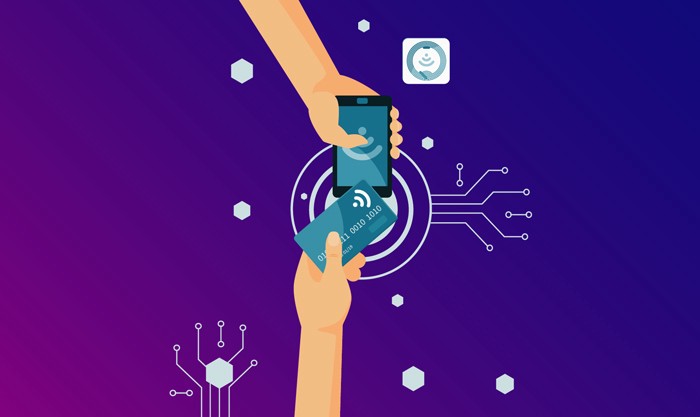
Are RFID and NFC the Aforementioned?
RFID engineering and NFC devices are similar in that they are both based on radiofrequency technology. Yet, there are some central differences between the two technologies. For one, NFC is faster than RFID. Additionally, while RFID tags can simply store a small amount of data, NFC tags can store up to 32 kilobytes of data. Finally, while an RFID tag must be close to a reader, an NFC tag can exist read from upward to iv inches away.
For information transfer betwixt two NFC-compatible devices, they must offset be paired. This can exist done past bringing the devices shut together and touching them or by entering a passcode. Once paired, the devices tin can share files, contact information, and directions. NFC tags tin can as well launch apps on a paired device (Android phone).
While RFID tags are mostly used for tracking purposes, NFC tags accept a diverseness of uses. For example, NFC tags tin can be programmed to open a website, plow on Bluetooth, or share your Wi-Fi password with a friend. NFC capabilities tin can also exist used to make payments.
How To Transfer RFID To Android?
You will offset need an EM4100 carte or fob to transfer RFID to your Android phone. You can then hold this upward to the side of your telephone with the NFC fleck. Once you lot have done this, click on the "Read" button. If successful, your telephone should beep.
You can then accept the new tag you want to use and identify it where the erstwhile one was. Printing "Write", and the information from the old tag will be transferred onto the new ane. Before trying this method, ensure you have a compatible NFC device (mobile phone) and NFC reader. Some devices may not be able to read or write tags.
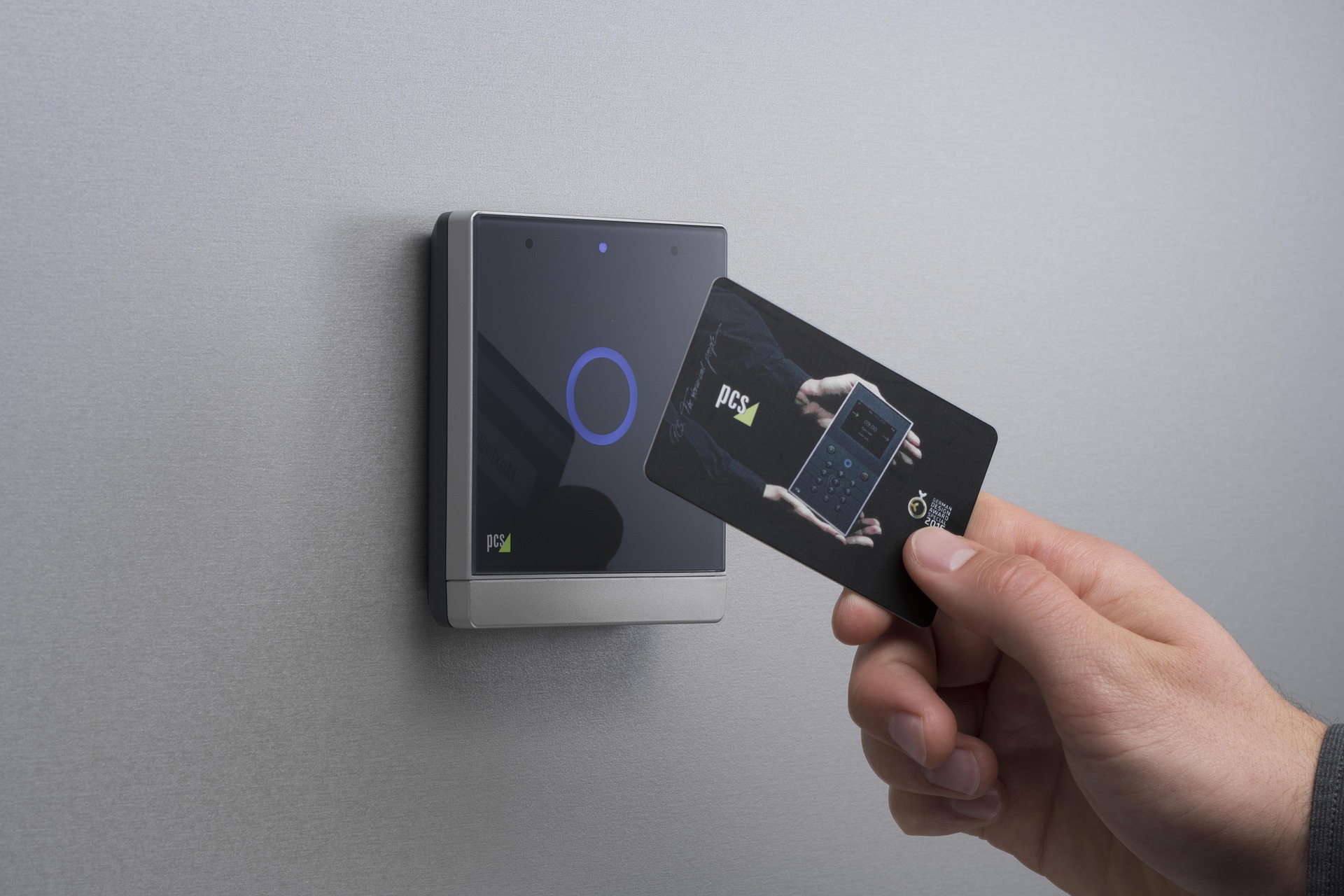
Use Zapped NFC Business Cards
Zapped NFC Business Cards are the latest in NFC engineering science. With these cards, you tin store your business concern information on your telephone and share it with others by simply borer the card on their phone. The best part about these cards is that they are completely customizable, then you lot can add your logo, contact information, and even a custom bulletin.
On tap, the user will be redirected to your business card URL, where they can view all of your information. You can as well add desired links to your business card so the user can salve your data straight to their phone's address book.
If you're looking for a more traditional way to share your business information, yous can always print out your business cards and hand them out to potential customers. Nevertheless, if you want to exist able to share your information with anyone, anytime, anywhere, Zapped NFC Business Cards are the fashion to get!
Conclusion
All in all, your telephone volition function as a reader and writer for passive NFC tags. At that place are a few caveats, but copying an NFC tag to your telephone is more often than not possible. The process isn't complicated and tin can exist washed in seconds. However, remember that some phones don't have the necessary hardware or software to read and write NFC tags. In add-on, not all NFC tags are compatible with all phones. If you're having trouble copying an NFC tag to your phone, it's probable due to one of these issues. We hope you find this guide helpful. If you have whatsoever queries, feel complimentary to go out them in the comments below.
Source: https://zapped.to/blog/copy-nfc-card-to-phone/
0 Response to "How To Copy Hid Card To Phone"
Post a Comment